
Scorbit Version 2.1 Out Now –

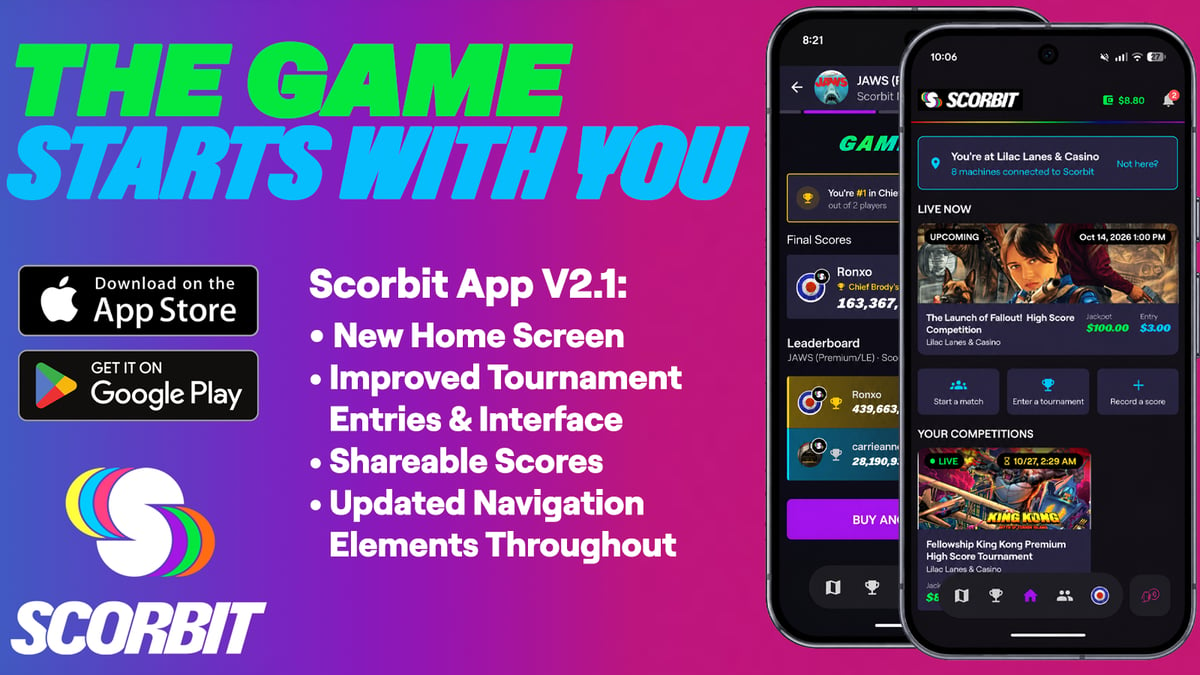
Scorbit 2.1 is available now on the App Store and Google Play. This new update changes what you see the moment you open the app. We’ve rebuilt the home screen to give you a new jumping off point for your pinball adventures. Now when you open Scorbit, you start from you: your activity, your location, your wallet, and the things you actually use Scorbit for, all on the first screen you see.
After getting tons of feedback from Scorbit users, we also radically overhauled what happens when your game ends, from sharing your score to jumping back into a Scorbit tournament. Here’s what’s new:
The new Home screen
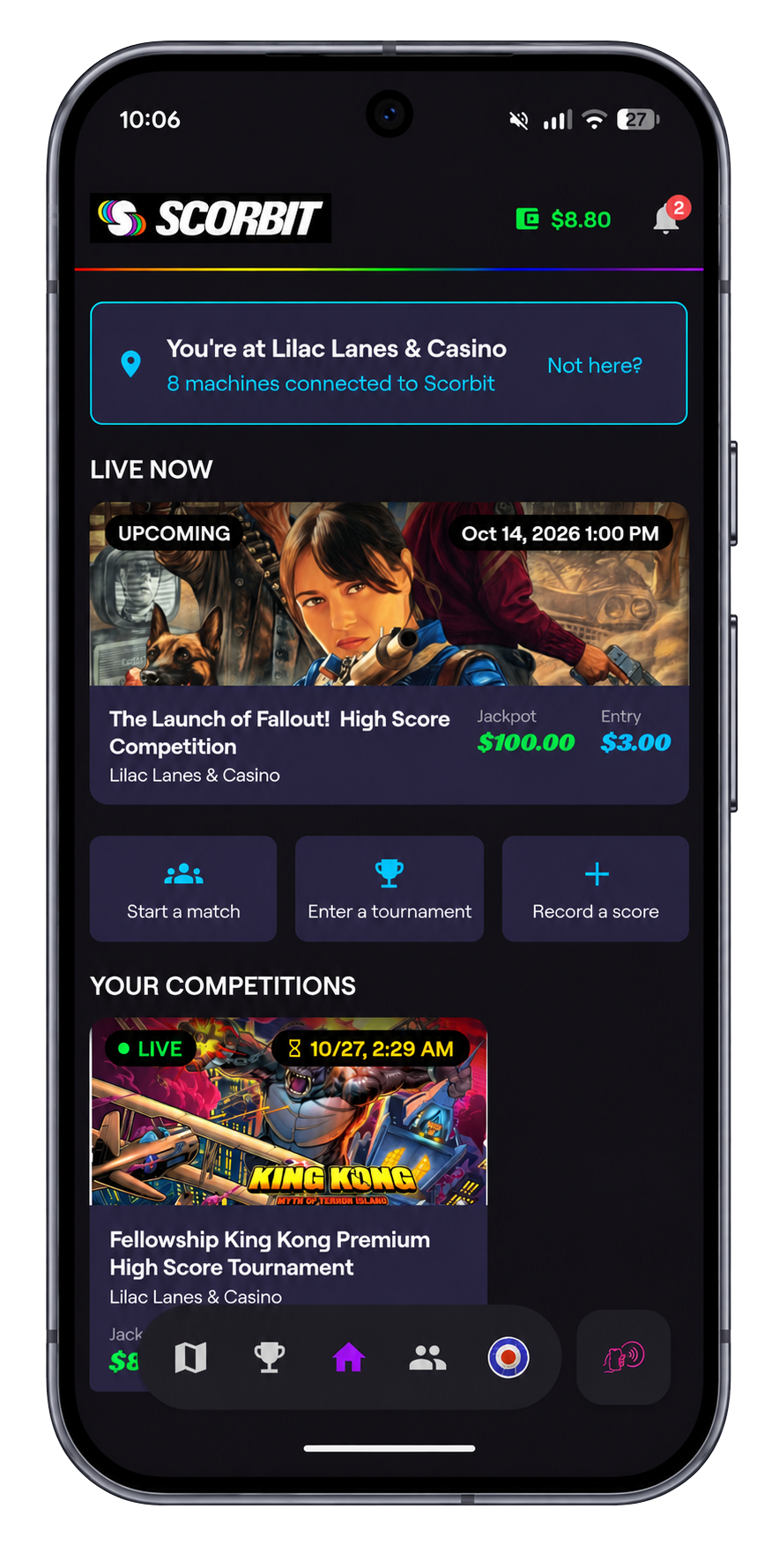
Home now puts you front and center with quick access to the things you do most. First by identifying your location to help you get to the machines and competitions you play the most quicker. You can set your current venue with the new venue picker. If Scorbit guesses wrong, tap “Not here?” and pick the right spot. From here, you can find nearby tournaments and record scores manually from any location, so a great game on a machine that isn’t Scorbit connected is still one worth remembering.
Not signed in yet? Home will point you to create an account so your scores, stats, and history stay with you.
Your Wallet and the Scorbit Tap Pad, always within reach
Your Scorbit Wallet now lives in the top bar on every screen. You can see your balance at a glance and add funds whenever you need to, without digging through menus. So if you need to keep the credits going on that game you’re so close to getting the Wizard mode on or if you’re chasing the top score in a Scorbit Tournament, you know exactly how much cash you’ve got at any given moment,
And when you’re in a participating Scorbit location, tapping into a machine just got easier as the Scorbit Tap Pad scan button has moved to the bottom, right where your thumb already is, so when you walk up to a machine hit that button, scan in and get ready to plunge.
Smoother Scorbit Tournament play
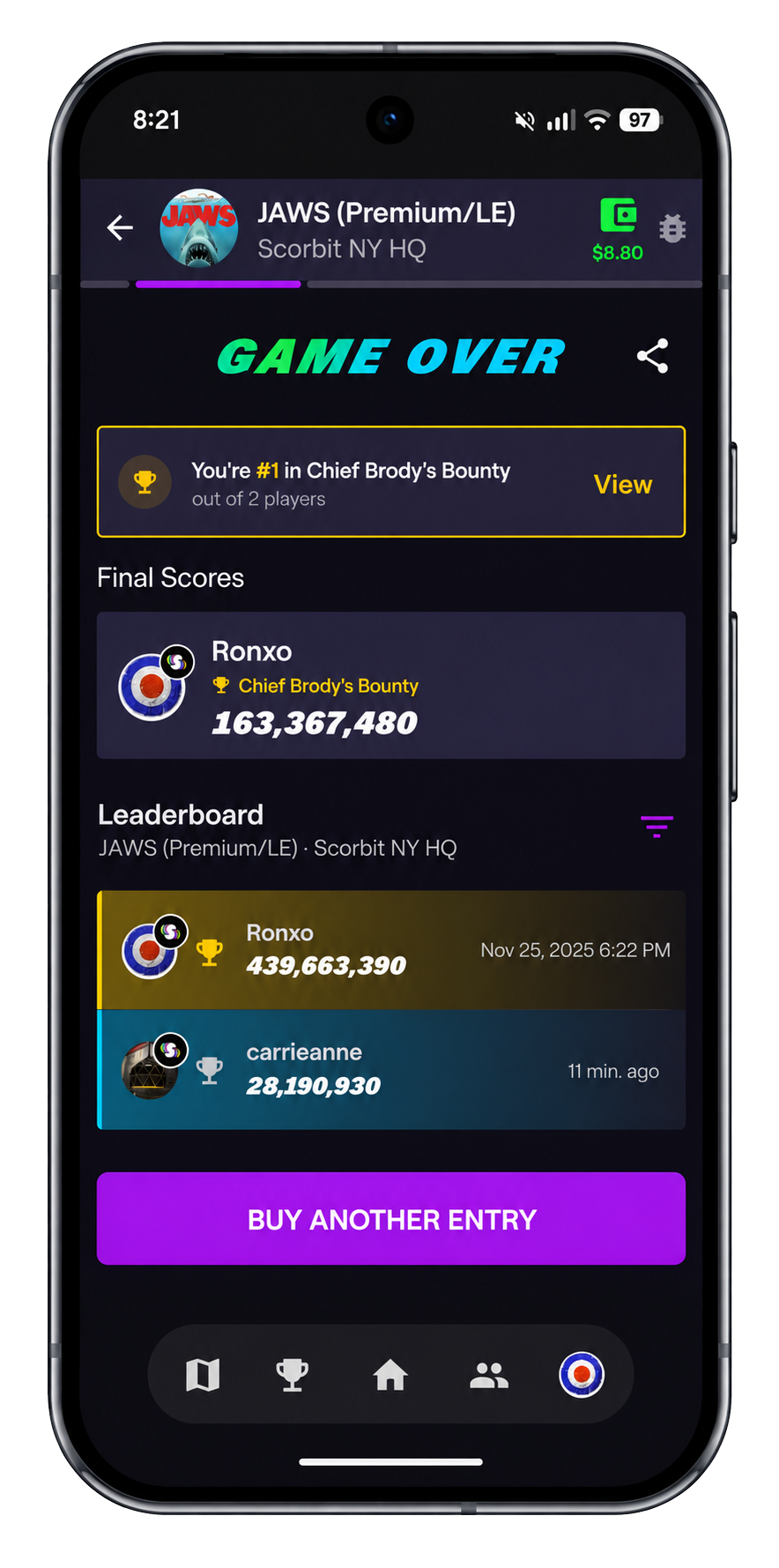
If you play tournaments at participating Scorbit locations, entering the tournament in back to back games is now faster and easier. Repeat entries get a quick confirmation instead of a full walkthrough, and a single Buy Another Entry button takes you straight to your next game.
The app also skips unnecessary re-scans of the Scorbit Tap Pad. If you just tapped a machine, you won’t be asked to tap it again.
Live standings in tournaments have been updated so it’s easier to see where you stand while the tournament is still going, andmedals have a refreshed, consistent look.
Share your scores with the world!
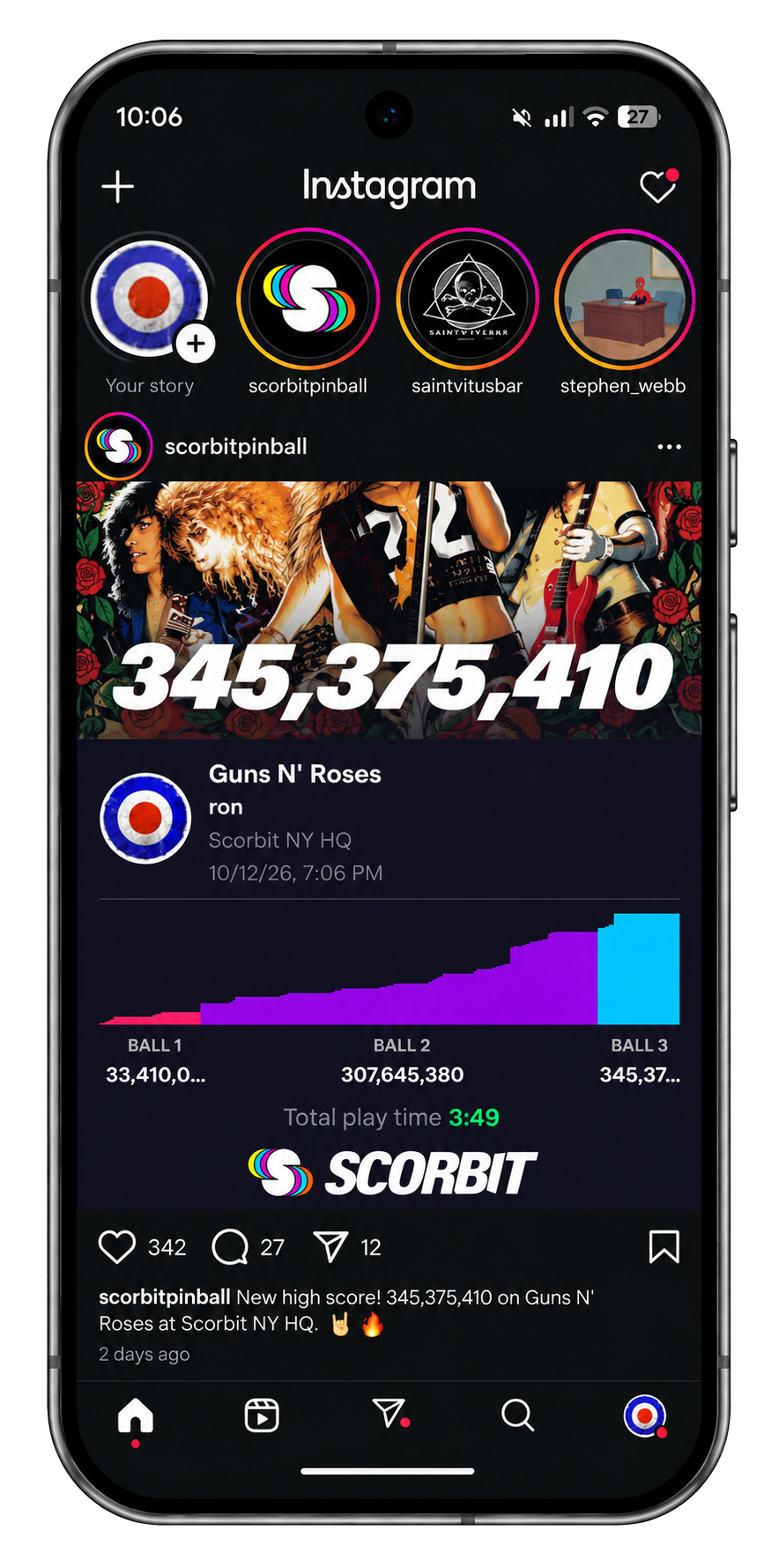
The Game Over card now lets you brag. When your game ends, you get a shareable graphic built around your score, with your score details alongside it. Send it to friends, drop it in Discord, or post it to social and show off how you did.
We’ve also improved the score details screen, with clearer chart labels and a consistent color for each ball, so it’s easier to see how your game played out.
Also in this update
We also tightened up a few things around the app. The notification bell now shows up on every tab, venue listings consistently show the Scorbit logo so it’s easy to spot Scorbit enabled locations, and live updates reconnect more reliably after a dropped connection. All of these plus the usual bug fixes and background improvements to make your Scorbit experience that much better!
Get the update
Scorbit 2.1 is available now. Update the app from the App Store and Google Play, or download it for the first time if you haven’t tried Scorbit yet.
A lot of what’s in this release came from your feedback, so keep it coming. Tell us what you think in the app, on social, if you see us at Pinball Expo or the next time you see us at a tournament. Have fun and play more pinball!
Don't have the Scorbit app yet? Download it today from the Apple App Store or the Google Play Store.